
If you work at a mega-brokerage, your tech stack is chosen for you. SkySlope for transactions. KVCore for CRM. Dotloop for signatures. Maybe you like these tools. Maybe you don’t. Doesn’t matter — they’re mandated.
If you’re an independent operator, your tech stack is your competitive advantage. You pick every tool. You own every decision. Nobody mandates anything.
That freedom is powerful. It’s also overwhelming. There are hundreds of real estate tools out there, and most of them are built for the mega-brokerage — which means most of them are wrong for you.
Here’s what the best independent TCs, agents, and brokers are actually using — and why the stack matters more than any single tool.
The Five Layers of the Independent Stack
Every independent operator needs five things. Not fifty. Not fifteen. Five.
1. A CRM — your relationship engine. 2. Email and communication — how you stay in touch. 3. Transaction management — how you run the deal. 4. Document storage — where everything lives. 5. Accounting — how you get paid and stay legal.
That’s it. If a tool doesn’t fit into one of these five layers, you probably don’t need it. The mega-brokerage has a sixth layer — compliance and reporting — but that’s their problem, not yours.
Layer 1: CRM
This is where your relationships live. Leads, clients, agents you work with regularly, past customers, referral sources. The CRM is your memory.
What independent operators are actually using:
Follow Up Boss is the most popular CRM among independent agents and small teams. It’s fast, it integrates with everything, and it stays out of your way. It doesn’t try to be a transaction manager or a marketing suite. It does one thing well.
LionDesk and Wise Agent are solid budget options for solo agents who need contact management and drip campaigns without the Follow Up Boss price tag.
A spreadsheet. Let’s be honest — a lot of independent operators are still using Google Sheets as a CRM. It works until it doesn’t. If you have fewer than 50 active contacts, nobody’s going to judge you. Past that, you’re losing deals to your own filing system.
What to avoid: The brokerage-provided CRM. If you’re at a franchise and they give you KVCore or similar — use it if you want, but don’t let it become your only system. Your data should live somewhere you control. If you leave that brokerage, you should be able to take your contacts with you.
Layer 2: Email and Communication
You send a lot of emails. Status updates, document requests, introduction emails, deadline reminders, closing coordination. If you’re a TC running 20+ files, you might send 50–100 emails a day.
What independent operators are actually using:
Gmail or Outlook. This isn’t glamorous, but it’s what works. Most independent operators run their business email through Google Workspace or Microsoft 365. The key is having a professional domain — not @gmail.com. Your ICP trusts casey@yourbrokerage.com more than casey8742@gmail.com.
Google Voice or a dedicated business line. Separating personal and business calls matters when you’re running everything from your phone. Google Voice is free. OpenPhone and Grasshopper are paid options with more features.
Text messaging. This is increasingly where real work happens in real estate. Agents respond to texts faster than emails. Some TC platforms — including DocJacket — are building SMS directly into the transaction workflow so you’re not switching between your phone and your laptop.
What to avoid: Paying for a standalone email marketing tool when you’re sending transactional emails, not newsletters. You don’t need Mailchimp. You need your transaction management platform to handle communication as part of the workflow.
Layer 3: Transaction Management
This is the core. The layer that determines whether you’re organized or drowning. Transaction management is where you track every deal — deadlines, documents, communication, status, milestones.
What independent operators are actually using:
Google Drive + a spreadsheet. The most common “system” for independent operators who haven’t adopted a dedicated platform yet. It works at 5 transactions. It cracks at 15. It breaks at 25. We’ve written about this before — it’s the independence tax.
Trello, Asana, or Monday. Generic project management tools adapted for real estate. They work in theory but they’re not built for the specific needs of transaction coordination — contingency dates, document checklists, agent communication, contract extraction. You spend as much time configuring the tool as you do using it.
ListedKit, Nekst, Folio, or similar TC-specific tools. These are purpose-built for transaction coordinators. They’re a step up from spreadsheets, and they solve the “I need a system that understands real estate” problem. Most of them are solid for basic tracking.
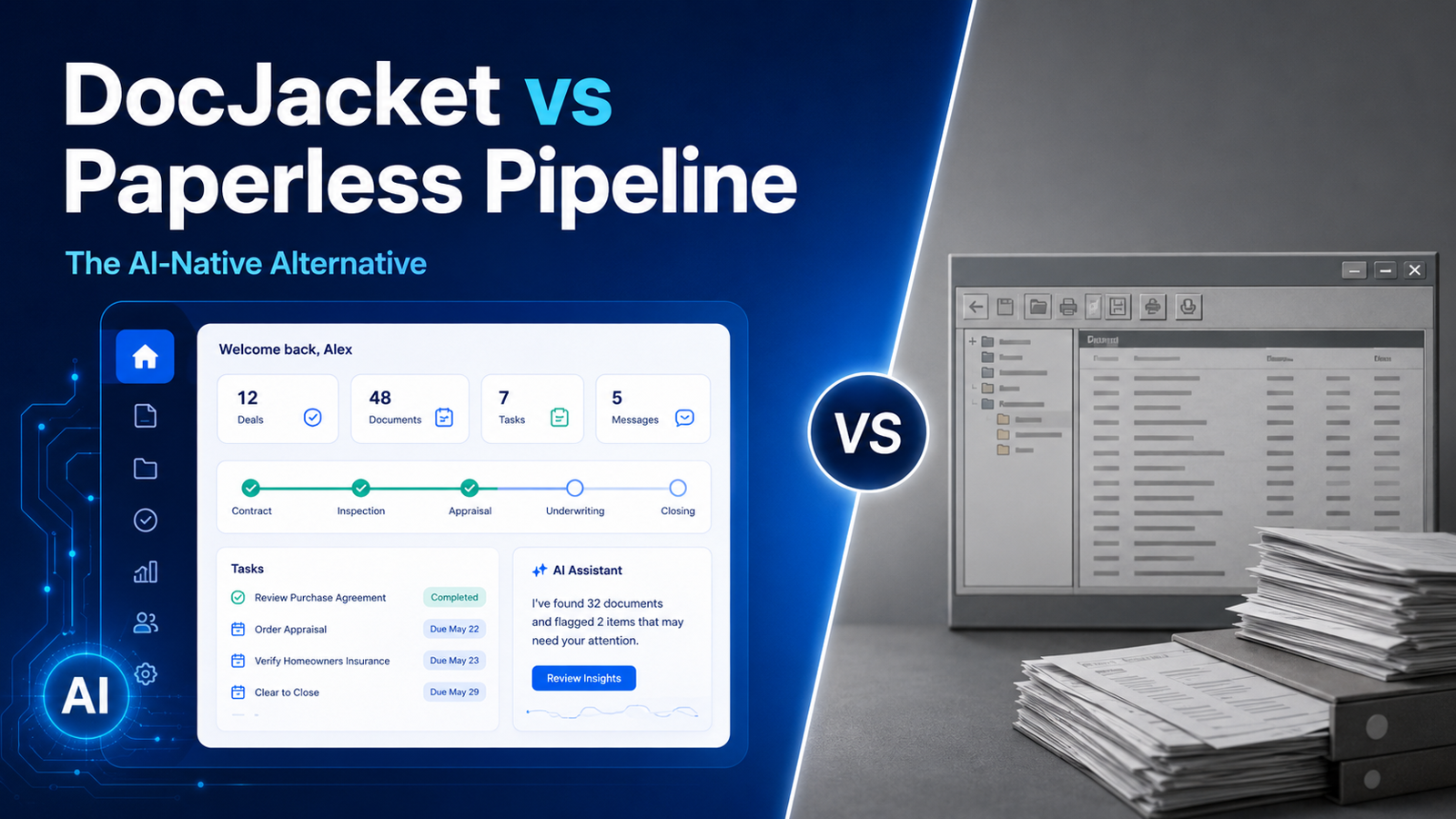
DocJacket. This is what we build. DocJacket is AI transaction coordinator software — the AI reads your contracts, extracts the dates and terms, populates your timeline, drafts communications, and sets up your workflow. AI preps. You approve. The difference between DocJacket and other TC tools is that the AI does the setup work, not just the organizing. You’re reviewing and approving, not entering data manually.
What to avoid: Using your CRM as your transaction manager. A CRM tracks relationships. A transaction manager tracks deals. They’re different jobs. When you try to make one tool do both, it does neither well.
Layer 4: Document Storage
Real estate generates a lot of paper — even when it’s digital. Purchase agreements, addendums, disclosures, inspection reports, title commitments, closing documents. Every deal produces 40+ documents, and you need to know where they all are.
What independent operators are actually using:
Google Drive. By far the most common. Free, familiar, accessible from everywhere. The challenge is organization — you need a consistent folder structure and naming convention, or you’re searching for documents instead of managing transactions.
Dropbox. Some operators prefer Dropbox for its file syncing and sharing capabilities. It’s a personal preference — functionally similar to Google Drive for most real estate use cases.
Built into your transaction management platform. This is the best option and where the industry is heading. When your documents live inside the same system that tracks your deadlines and communications, you don’t have to cross-reference between tools. You open a transaction and everything is there — timeline, documents, emails, status. DocJacket stores documents at the transaction level so you’re never digging through folder hierarchies.
What to avoid: Storing documents only on your local hard drive. If your laptop dies, your business dies with it. Cloud storage is non-negotiable. Also avoid platforms that make it hard to export your documents — your data should be portable.
Layer 5: Accounting
You need to track income, expenses, and commissions. You need to invoice if you’re a TC. You need to know your numbers at tax time without spending a week reconstructing them from bank statements.
What independent operators are actually using:
QuickBooks Self-Employed or QuickBooks Online. The standard. It works, it connects to your bank, and your accountant already knows how to use it.
Wave. Free accounting software that handles invoicing and expense tracking for solo operators. If you’re a TC just starting out and watching every dollar, Wave is a solid starting point.
A spreadsheet. Again, let’s be honest. A lot of independent operators track income and expenses in Google Sheets. It works until April 15th when you realize you’ve been categorizing everything as “miscellaneous.”
What to avoid: Ignoring this layer entirely. The operators who scale successfully are the ones who know their numbers — cost per transaction, average revenue per file, monthly overhead. You can’t optimize what you don’t measure.
The Stack That Scales
Here’s what the best independent operators’ tech stack looks like when it’s working:
CRM (Follow Up Boss, LionDesk, or similar) → manages relationships and leads.
Transaction Management (DocJacket) → manages deals, deadlines, documents, and communication. AI handles the setup. You handle the approvals.
Email (Google Workspace or Microsoft 365) → connected to your transaction management platform so emails send from your domain, not from some system address your agents don’t recognize.
Document Storage → built into your transaction management platform. No separate folder system to maintain.
Accounting (QuickBooks or Wave) → tracks the money.
Five layers. Five tools — or fewer, since the best transaction management platforms absorb document storage and communication into one system.
The key insight is that the layers should connect, not overlap. Your CRM shouldn’t try to manage transactions. Your transaction manager shouldn’t try to be a CRM. Each tool does its job, and they integrate where it matters — contacts flow from the CRM into transactions, transaction data flows into accounting.
The Independent Advantage
Here’s the thing the mega-brokerages don’t want you to realize: your tech stack can be better than theirs.
They’re locked into enterprise contracts with tools chosen by a committee three years ago. You can switch tools tomorrow. They’re running software designed for compliance departments. You’re running software designed for operators. They’re paying per-seat for platforms bloated with features nobody uses. You’re paying for exactly what you need.
The mega-brokerage’s tech stack is chosen for control. Yours is chosen for performance. That’s not a disadvantage. That’s your edge.
You chose independence. Now choose better software.
DocJacket is AI transaction coordinator software for independent real estate professionals. Start free.