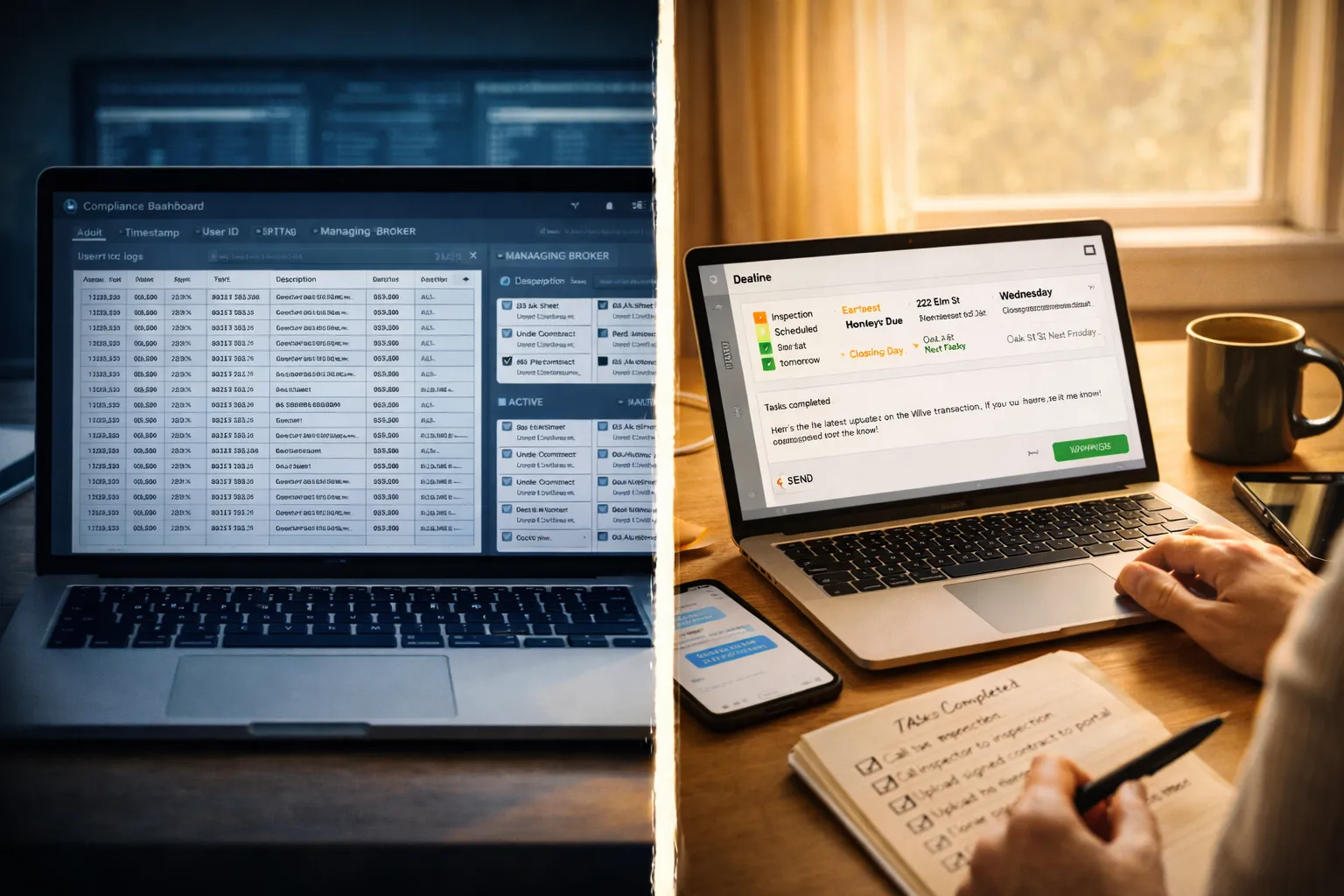
Software Built for Compliance vs. Software Built for Operators
Every transaction management platform claims to help you manage deals. But there’s a question none of them answer on their marketing page: who were you thinking about when you designed this?
Because the same feature — the exact same feature — looks completely different depending on whether you built it for a compliance department or an independent operator.
A deadline tracker built for compliance logs an audit trail. A deadline tracker built for operators tells you what to do today.
Same feature. Different philosophy. Completely different experience for the person using it every morning.
The Design Test
Here’s a simple test you can apply to any piece of transaction management software: open it up and ask yourself — does this screen help me do my job, or does it help someone else check on my job?
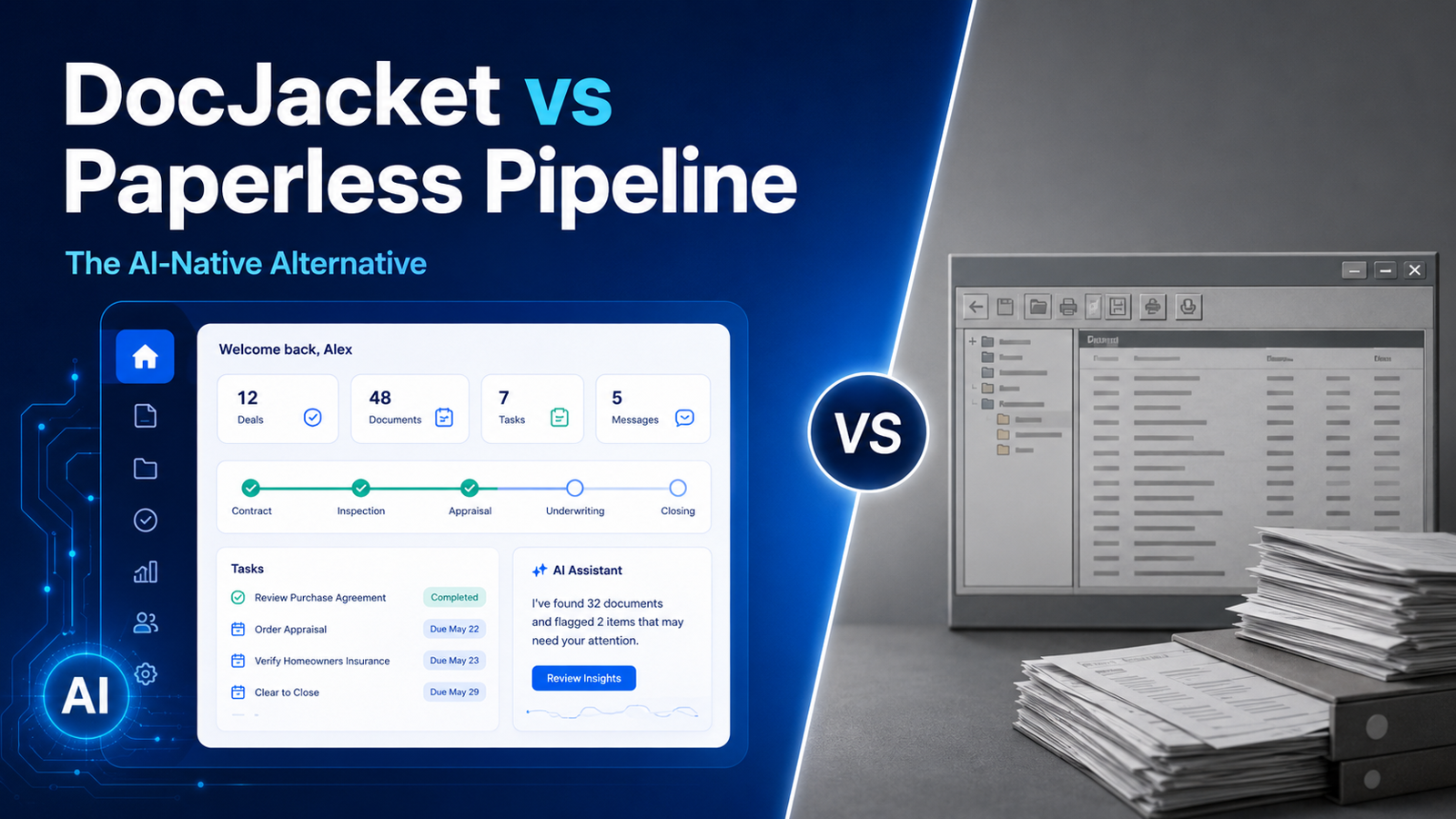
If the first thing you see is a dashboard showing aggregate data across hundreds of transactions — that’s built for a managing broker. You’re looking at someone else’s view of your work.
If the first thing you see is today’s deadlines, pending tasks, and the deals that need your attention right now — that’s built for you. You’re looking at your own cockpit.
Most transaction management software fails this test. Not because the features are bad. Because the perspective is wrong. The software is looking down at the work from above, not looking out at the work from inside it.
Feature by Feature
Let’s walk through the core features of any transaction management platform and see how they differ depending on who you’re building for.
Deadline Tracking
Built for compliance: Every deadline is logged with a timestamp. When it was set, who set it, when it was modified, who modified it. The system creates an audit trail that proves the brokerage was aware of every contractual date. If something goes wrong, the compliance team can pull a report showing the deadline was in the system. The audit trail protects the brokerage. It does nothing for the person managing the deadline.
Built for operators: The system reads your contract, extracts the dates, and populates your timeline automatically. Every morning you see what’s due today, what’s due this week, and what’s at risk. Deadlines approaching without action get flagged. You don’t have to go looking for what needs attention — it comes to you. The system doesn’t just record that a deadline exists. It helps you hit it.
Document Management
Built for compliance: Documents are stored in a structure that matches the brokerage’s audit requirements. Every upload is logged. Every download is tracked. The folder hierarchy mirrors the compliance checklist, not the flow of the deal. Finding a specific document means navigating through a structure that was designed for a reviewer, not for the person who uploaded it.
Built for operators: Documents live inside the transaction they belong to. You open a deal and everything is there — purchase agreement, addendums, disclosures, inspection reports. No navigating through a brokerage-wide folder structure. No clicking through compliance categories. Just your deal, your documents, organized the way the deal actually flows.
Communication
Built for compliance: Emails are logged into the system for the record. The brokerage can see what was sent, when, and to whom. The communication feature exists to create a paper trail, not to make communication easier. Sending an email often means composing it outside the platform and then manually logging it, or using a clunky built-in editor that nobody wants to touch.
Built for operators: Email templates are pre-built for the communications you actually send — introduction emails, document requests, deadline reminders, closing coordination. The system knows which deal you’re working on, who the parties are, and what stage you’re in. It drafts the email with the right names, dates, and details already filled in. You review, tweak, send. Communication is part of the workflow, not a separate task you track.
Status Tracking
Built for compliance: Status is a dropdown menu. Pending. Active. Under Contract. Closed. The status exists so the managing broker can pull a report showing how many deals are in each stage. It’s a reporting field, not a workflow tool. Changing the status doesn’t trigger anything — it just updates a label.
Built for operators: Status is a living reflection of where the deal actually is. When the inspection is complete, the system knows. When contingencies are cleared, the timeline updates. When you’re waiting on a document from the listing agent, the deal shows you exactly what’s holding it up. Status isn’t something you update manually for someone else’s report — it’s something the system maintains based on the actual state of the work.
Checklists
Built for compliance: The checklist is a standardized list of items the brokerage requires for every transaction. It exists to ensure nothing is missed from the brokerage’s liability perspective. Every agent uses the same checklist regardless of deal type, market, or personal workflow. The checklist serves the brokerage’s risk management, not the operator’s process.
Built for operators: The checklist is customizable by deal type, contract type, and market. A cash deal doesn’t have financing contingency items. A listing has different steps than a buyer representation. The checklist matches how you actually work, not how a compliance department imagines you should work. Items can be linked to dates, documents, and communications so checking something off actually moves the deal forward, not just ticks a box.
The Perspective Gap
The pattern is the same across every feature. Compliance-first software asks: can we prove this was done? Operator-first software asks: can we help get this done?
One looks backward. The other looks forward.
One generates reports. The other generates results.
One protects the brokerage from liability. The other protects the operator from dropping a ball on a Tuesday afternoon when they’re managing 25 active files and their phone won’t stop buzzing.
Both are valid needs. But they’re different needs. And the mistake the industry keeps making is pretending one tool can serve both — that you can build software for the compliance department and the operator and somehow both will be happy.
They won’t. Because every design decision is a choice. Every pixel on the screen is serving someone’s priority. When the managing broker’s dashboard takes up the home screen, the operator’s daily view gets pushed to a submenu. When the audit trail is the primary organizing principle, the operator’s workflow becomes secondary.
You can’t serve two masters. The software has to choose.
How to Tell Which One You’re Using
You don’t need to read a feature comparison chart. You just need to answer a few questions about the software you’re using right now.
When you log in, does the first screen show you what to do next? If it shows you a dashboard of aggregate data, it was built for someone above you. If it shows you today’s deadlines and pending tasks, it was built for you.
When a deadline is approaching, does the system notify you or just log it? If it logs it and waits for you to find it, that’s an audit trail. If it pushes a notification and tells you what needs to happen, that’s a workflow tool.
Can you customize your checklist by deal type? If everyone at the brokerage uses the same checklist, the compliance team chose it. If you can build checklists that match your actual workflow, the software trusts you to run your own process.
When you send a communication, does the system help you draft it or just record that you sent it? Drafting is operator-first. Recording is compliance-first.
Does changing a status trigger next steps, or just update a label? Workflow tools connect status to action. Compliance tools connect status to reporting.
If most of your answers point to compliance — you’re using software that was built for the brokerage, not for you. It might be “free.” It might be mandated. But it’s costing you time every day because it wasn’t designed for how you actually work.
The Operator Deserves Better
SkySlope describes itself as “purpose-built for compliance.” That’s not a criticism — it’s their positioning, stated clearly on their own website. They built exactly what they intended to build. It’s just not built for you.
If you’re an independent TC, a solo agent, or a boutique broker, you don’t need compliance software. You don’t have a compliance department. You don’t have a managing broker pulling reports on your transactions. You don’t need an audit trail to protect a brand you don’t work for.
You need software that helps you manage your Tuesday. That extracts dates from contracts so you don’t have to type them. That drafts emails so you don’t have to start from scratch. That tells you what’s due today so nothing slips through.
You need software built for the operator. Not software built for the person watching the operator from a dashboard three levels up.
DocJacket is AI transaction coordinator software for independent real estate professionals. Built for operators, not compliance departments. Start free.